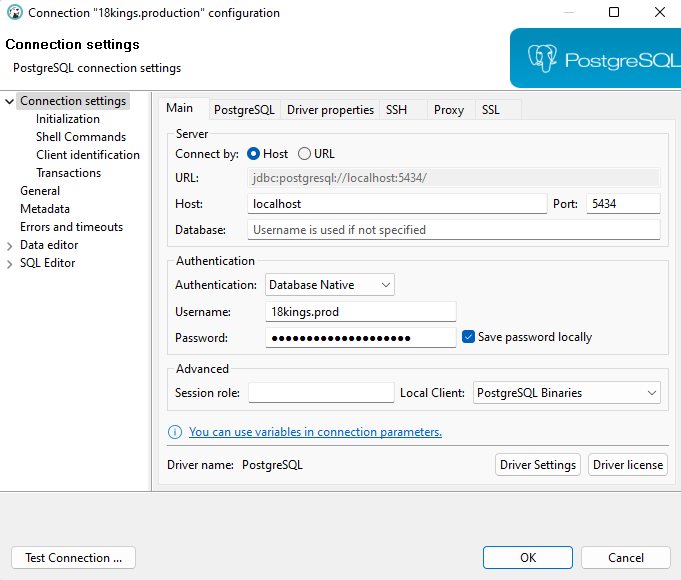
Access production environment
Install tools chain
Recommend database manager
Install Bitvise SSH Client (Windows Only)
https://www.bitvise.com/ssh-client-download
Create SSH keys and add to authorized_keys
https://docs.digitalocean.com/products/droplets/how-to/add-ssh-keys/to-existing-droplet/
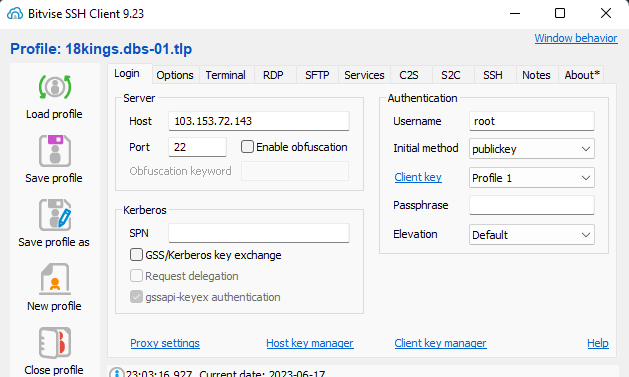
Connect to server using SSH client
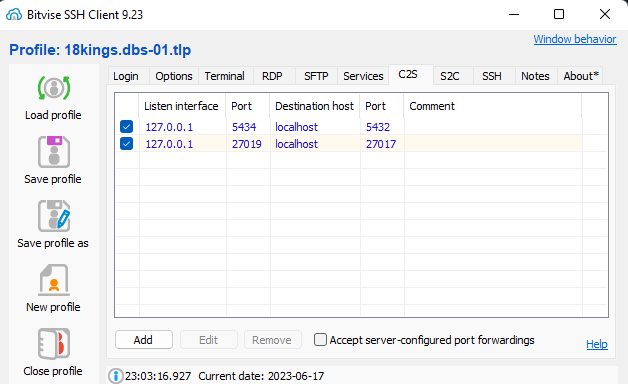
Tunnel service or database ports
Access database through these ports